Capture it. Tidy it up.
Scan single or multiple pages with corner correction, cropping, rotation and color adjustments. Import existing images or PDFs too.
 luluScanner
Scan documents, recognize text, and export PDFs or long images to make everyday paperwork easier to organize and share.
In testing on iOS and AndroidInterface examples use fictional documents. Features and screens may change during testing.
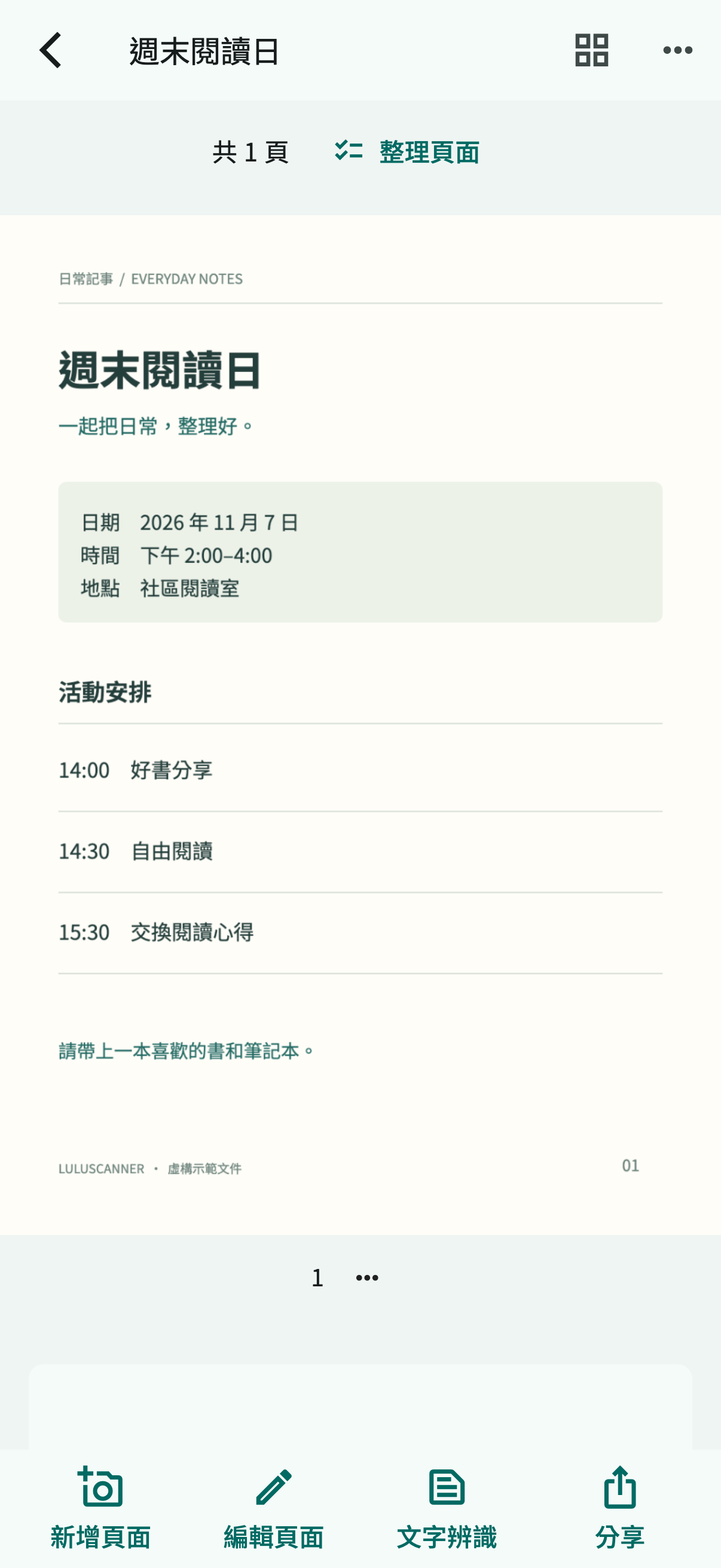
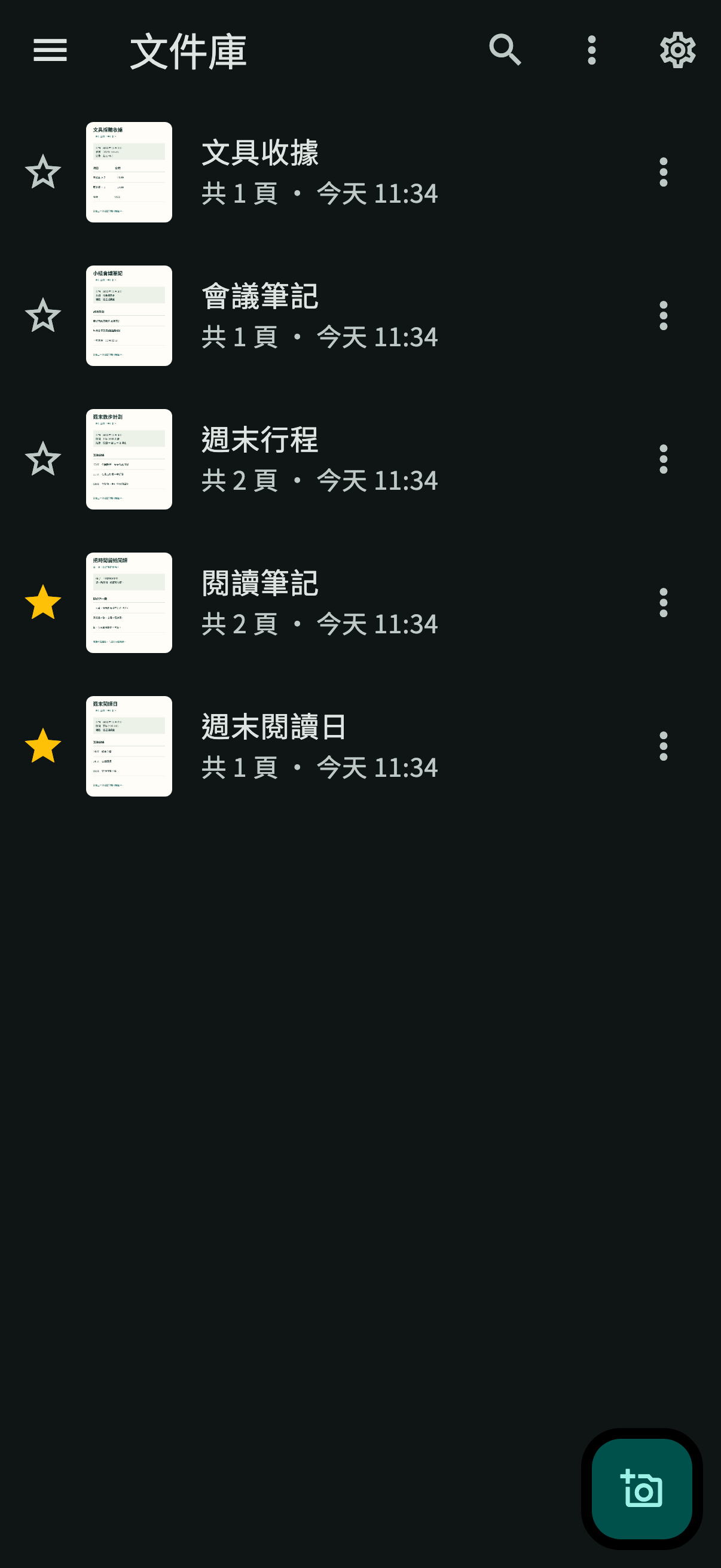
Scan, organize, then share
From a single notice to several pages of notes, keep what you need close at hand.
Scan single or multiple pages with corner correction, cropping, rotation and color adjustments. Import existing images or PDFs too.
On-device OCR supports Traditional Chinese and English. Review, copy and export recognized text, or create searchable PDFs. Always check the results yourself.
Reorder pages, export multi-page PDFs, or turn images and PDF documents into long images for easy reading and sharing.
A look at luluScanner
These interface examples all use fictional documents. Select an image to view the full screen.
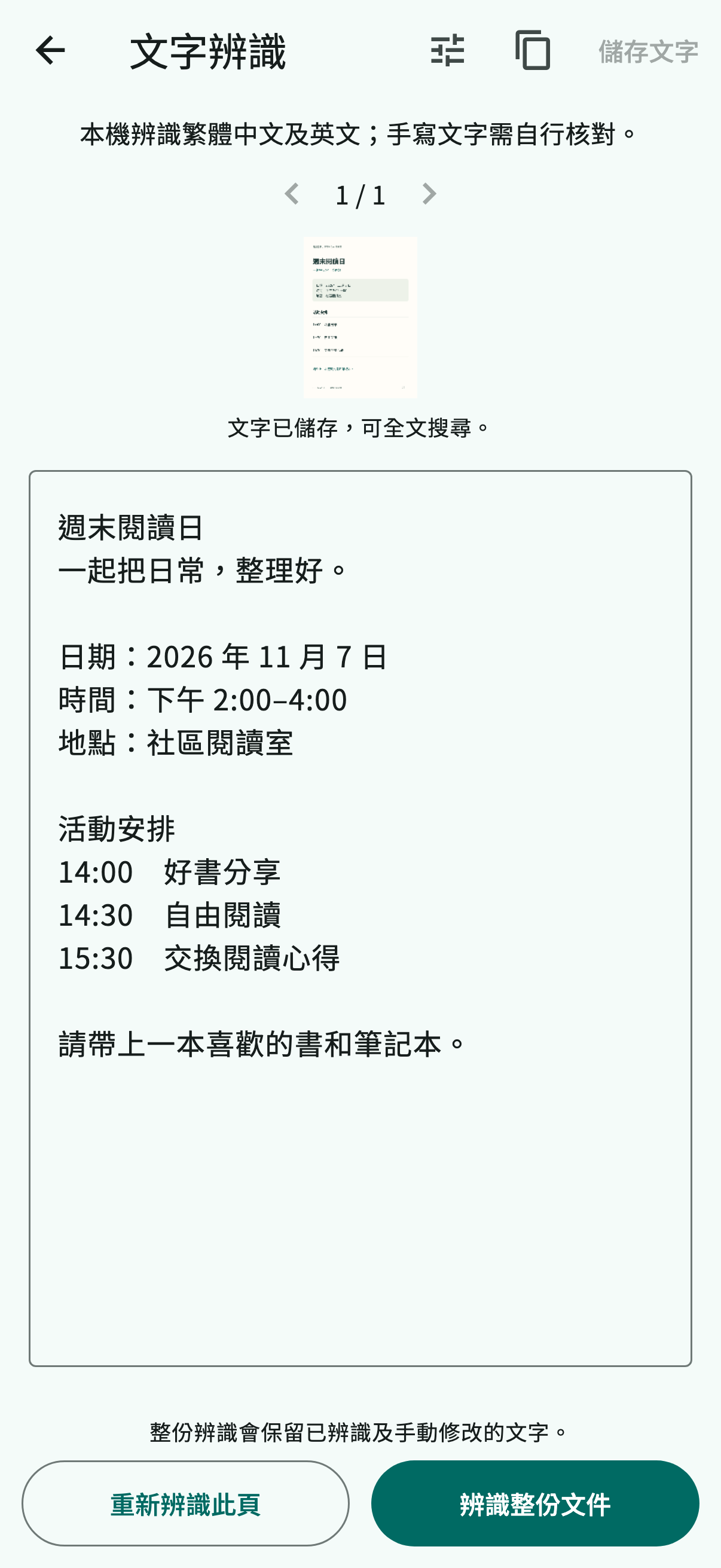
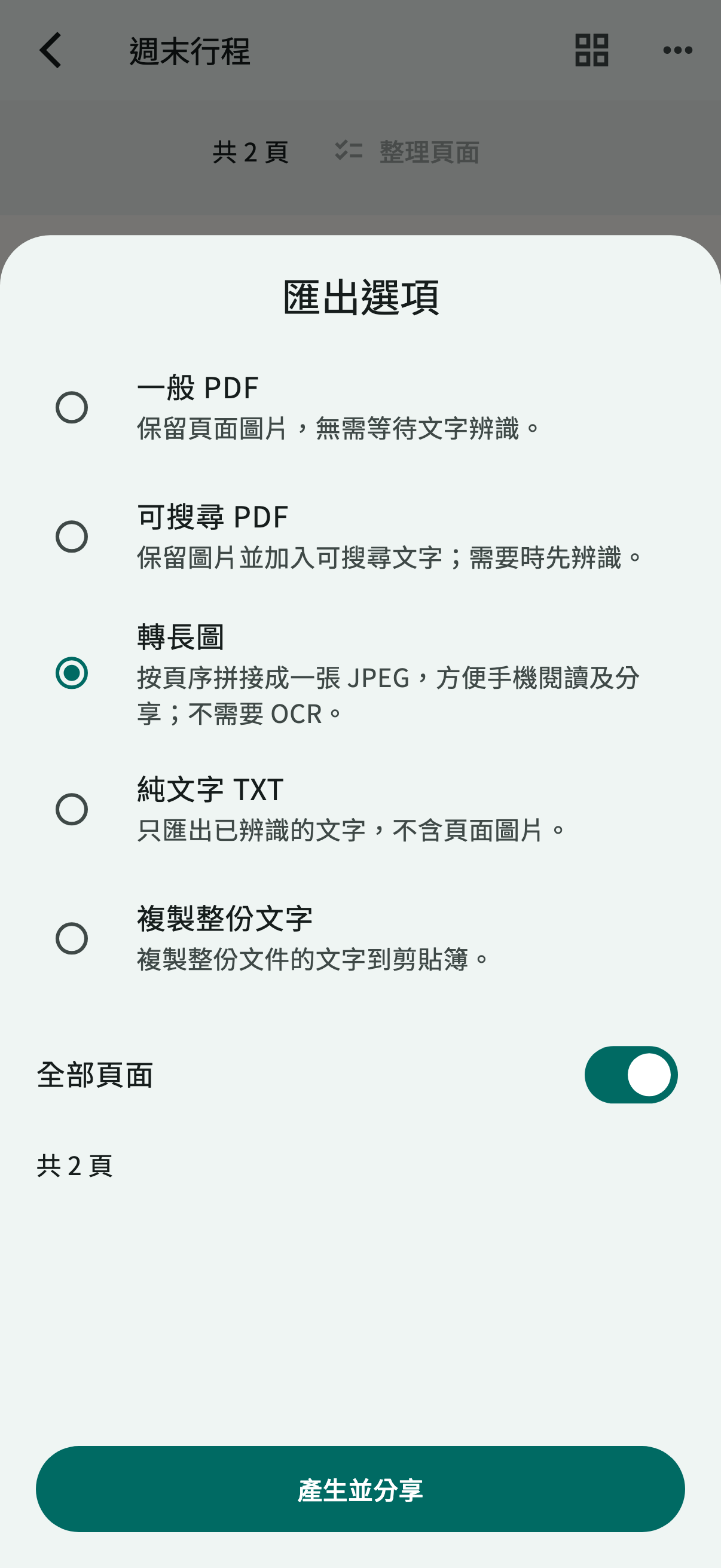
Examples use existing app components, rather than device screenshots or published store assets. Text recognition examples do not guarantee accuracy.
Documents close at hand
Organize everyday documents with folders, favorites, search, document names and tags.
Document scanning, on-device OCR and basic exports work offline. Basic local tools do not require an account.
Documents are stored locally, with local backup and restore. Save a separate backup and check it before changing phones or uninstalling the app.
Downloads and testing
Both iOS and Android versions are in testing. Public download links are still to be confirmed.
Public download link to be confirmed
Public download link to be confirmed
Book scanning limits, Pro features and purchase availability are still to be confirmed.
Need help? Visit support →